



Excel Receipt Automation System
Category:
Excel, Automation, Data Analytics
Client:
Personal Project
Challenge
I wanted to build a professional and automated receipt management system in Excel. The goal was to simplify how receipts are created, recorded, and saved, while minimizing repetitive tasks.
Before this, every receipt had to be created manually, which was time-consuming and error-prone.
Solution
I developed an Excel Receipt Automation System powered by VBA (Visual Basic for Applications).
Key features include:
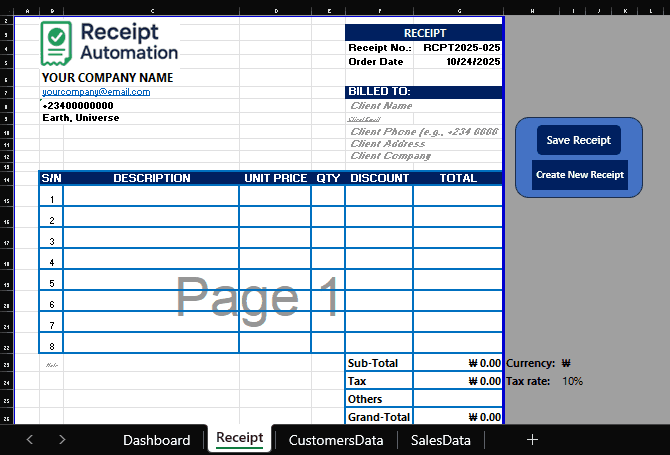
Automated receipt generation with dynamic fields
One-click PDF export for invoices
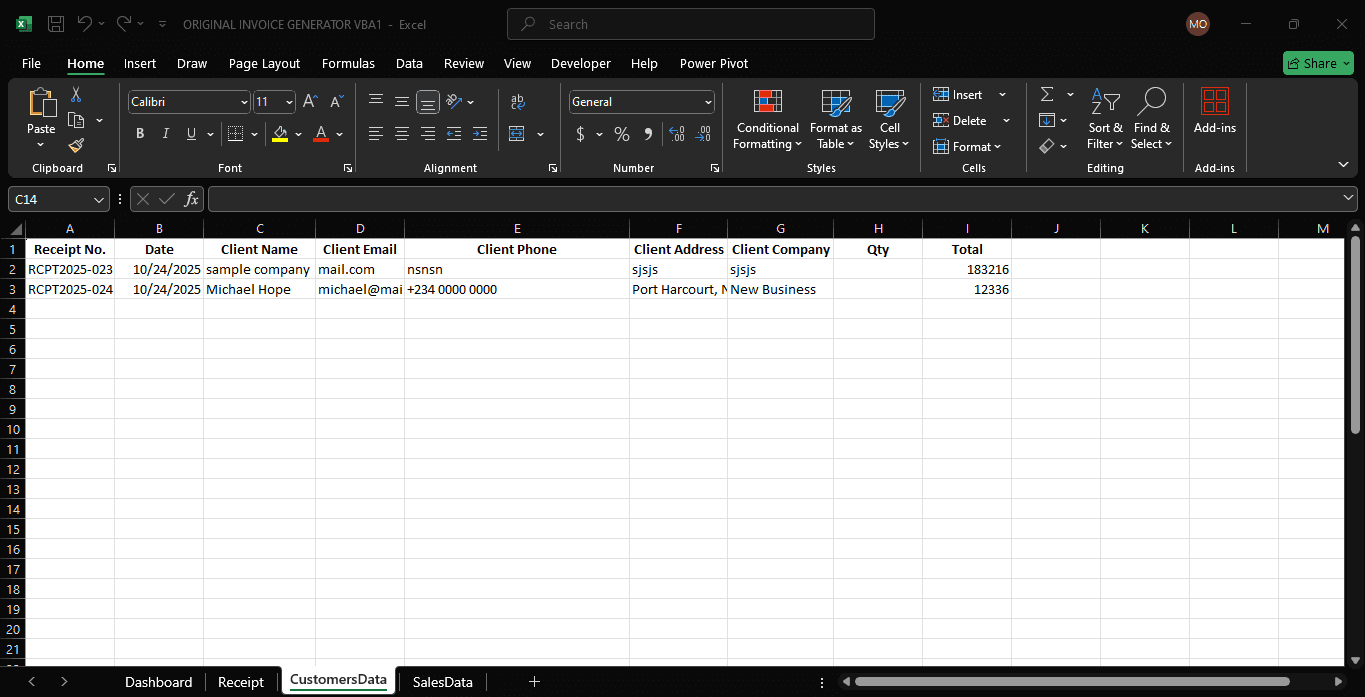
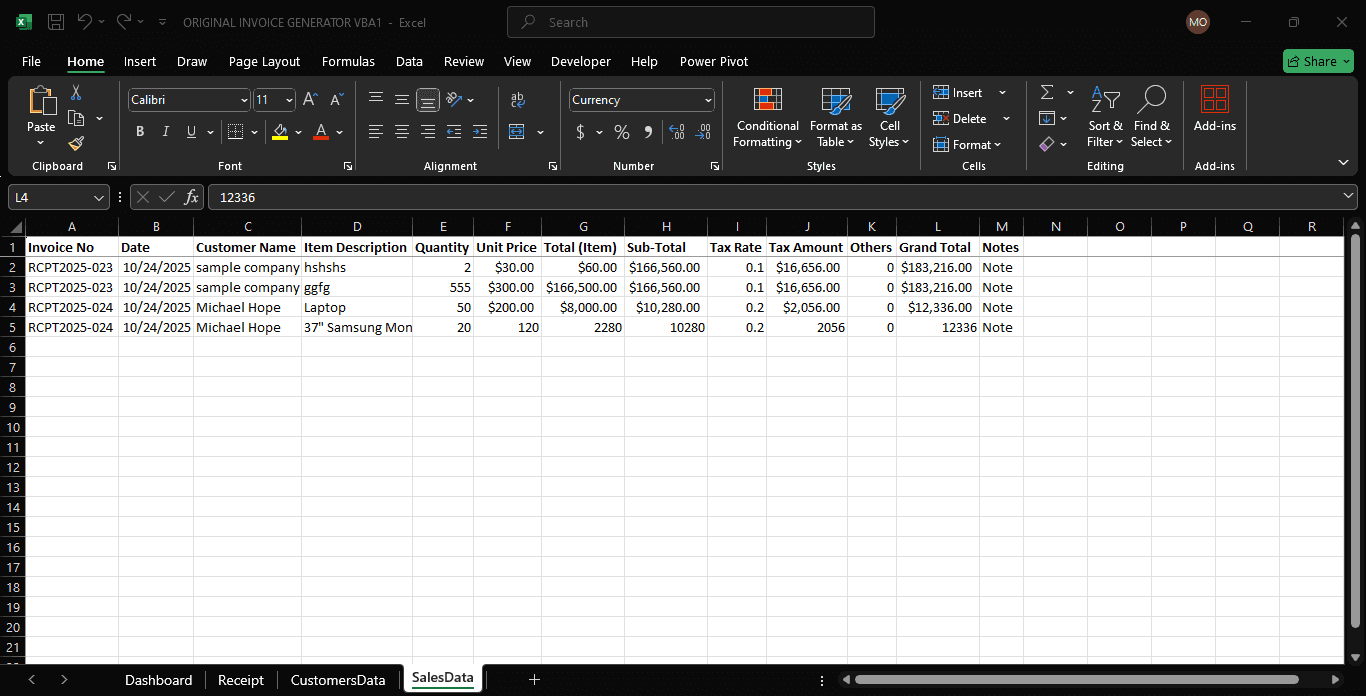
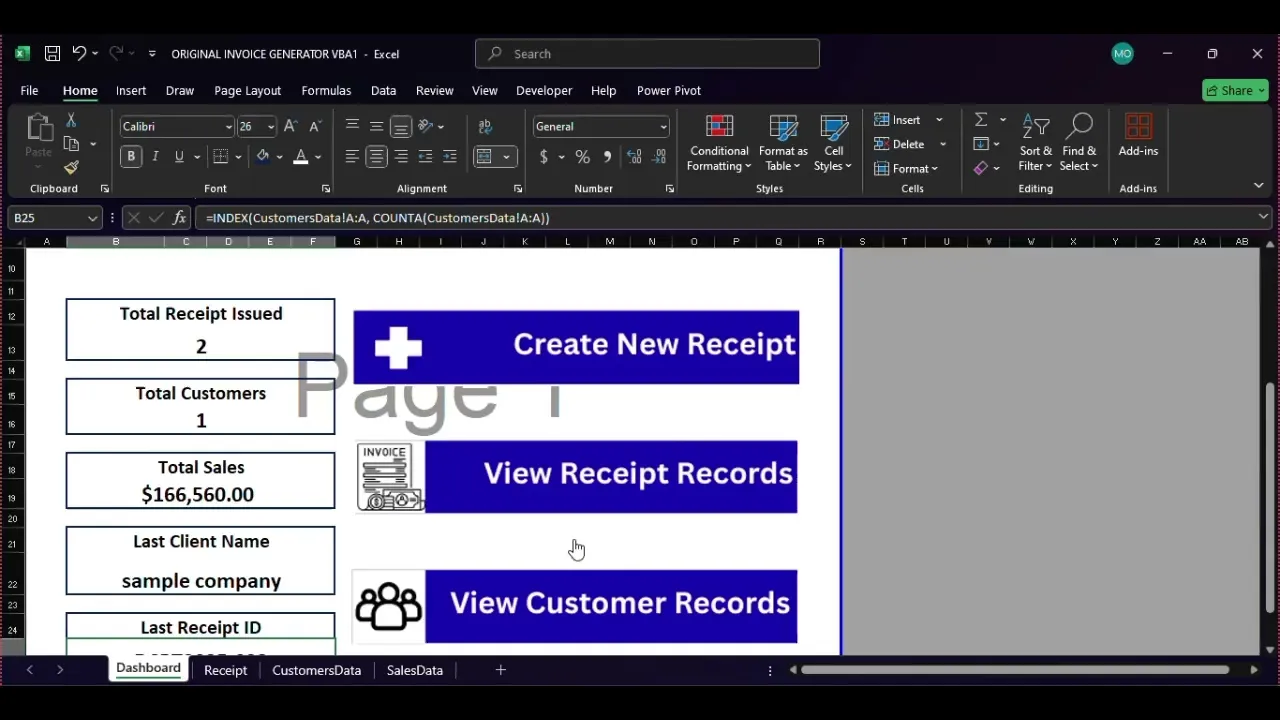
Automatic record saving to separate sheets (SalesData & CustomerData)
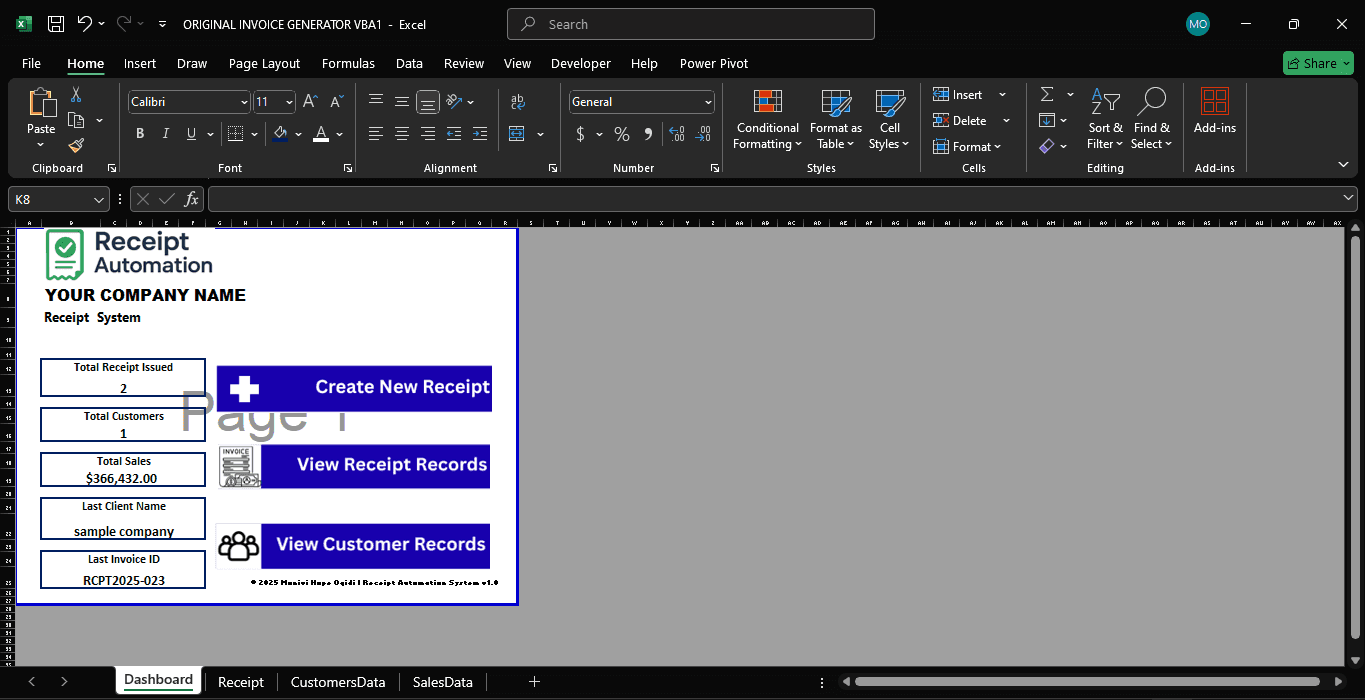
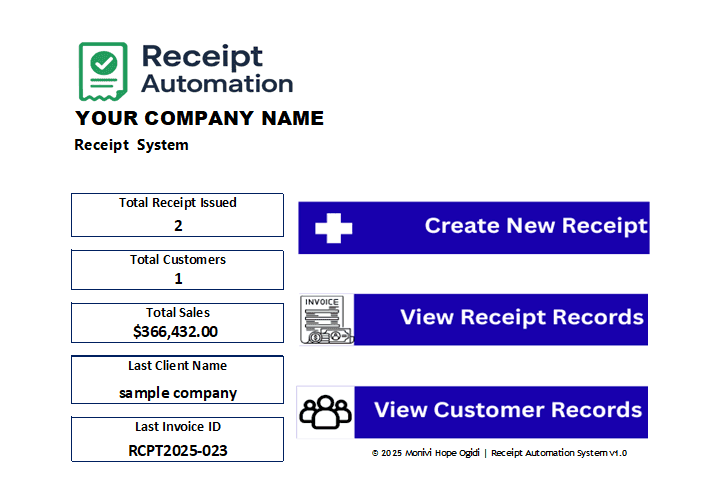
Dashboard section for quick performance insights
Easy-to-use interface for small businesses or personal tracking
I used AI to assist with debugging and refining the VBA code, which made the learning process faster and more efficient.
Result
The system now automates tasks that used to take several minutes, instantly generating and saving records accurately.
Through this project, I learned a lot about Excel automation, data structure, and VBA programming logic. It was my first VBA project, and it completely changed how I see Excel as a data tool.
Tools Used
Microsoft Excel
VBA (Visual Basic for Applications)
AI-assisted debugging and code generation, resulting in improved engagement and user retention across all devices.
Click any of the deliverables below to view:
(1). Review The File/Prject on GitHub